Important Notice: Beware of Scams Using the Name "EINPAYS/EINPAYZ"
We have recently discovered that fraudsters are misusing the name EINPAYS/EINPAYZ to deceive traders, service providers, and other individuals by collecting payments through unauthorized channels.
- If you receive any communication claiming to be from EINPAYS/EINPAYZ and asking for payments or sensitive details, we strongly urge you to verify its authenticity first.
- All the official contact details can be found on https://einpays.com or https://einpayz.com
Verify Before You Act:
To confirm whether a communication is genuinely from EINPAYS/EINPAYZ, please email us at [email protected] before making any payments or sharing any personal information.



Become a Partner
Do you want to become a partner
Your name
Fill the form to submit
Your Company name
Fill the form to submit
Your E-mail
Fill the form to submit
Countries
Fill the form to submit
Your phone number (Telegram)
Fill the form to submit
Web-site
Fill the form to submit
Contact person
Fill the form to submit
Business

Message
Fill the form to submit
Become a Partner
Do you want to become a partner
Your name
Fill the form to submit
Your Company name
Fill the form to submit
Your E-mail
Fill the form to submit
Countries
Fill the form to submit
Your phone number (Telegram)
Fill the form to submit
Web-site
Fill the form to submit
Contact person
Fill the form to submit
Business
Message
Fill the form to submit
Payment failed: What to do?
- 2026-02-11
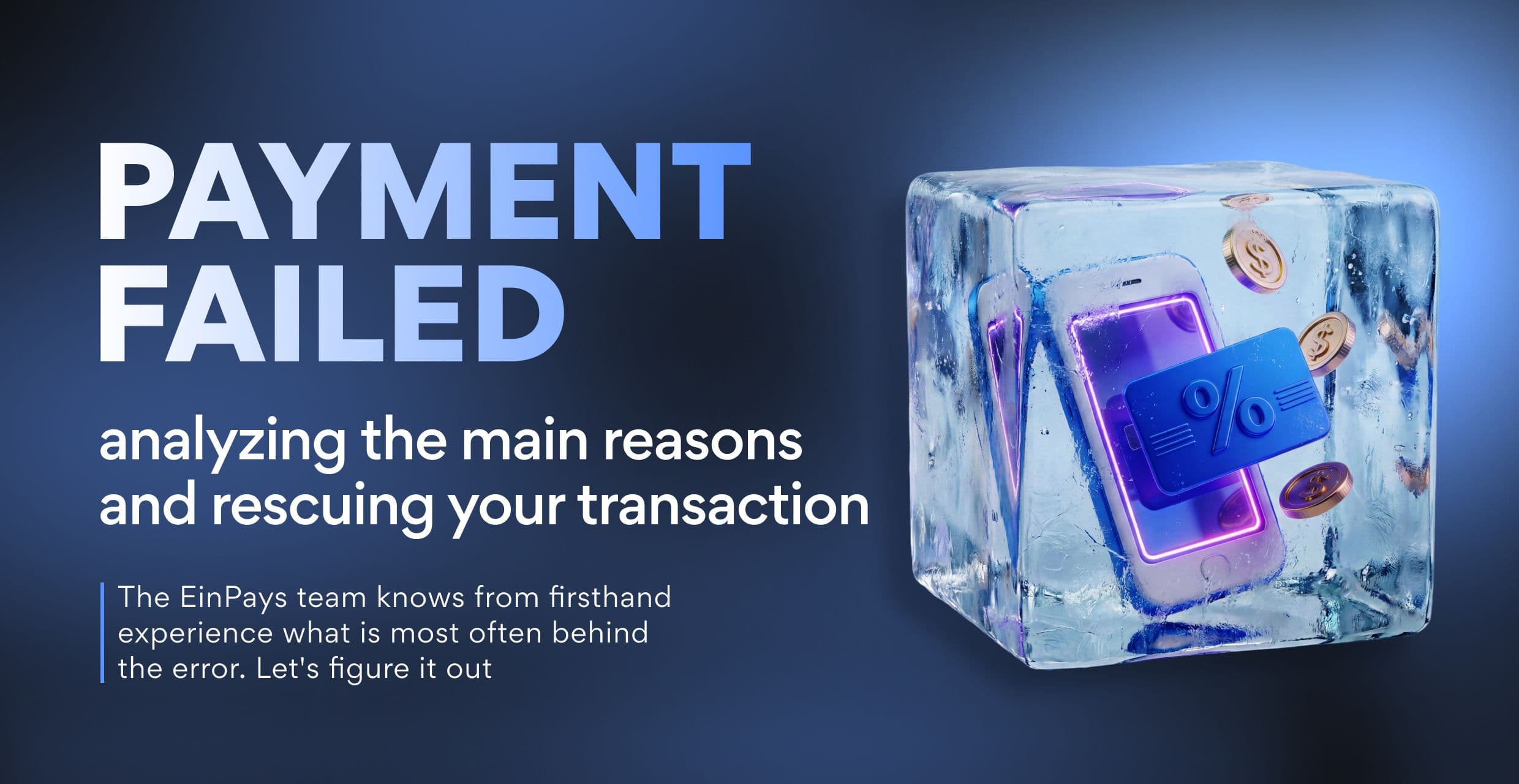
"Payment Failed": analyzing the main reasons and rescuing your transaction That familiar feeling when you're sure about your card, but see a "Declined" or "Payment Denied" notification? Don't rush to panic or blame the service. In 99% of cases, the problem is solved in a couple of minutes. The EinPays team knows from firsthand experience what is most often behind the error. Let's figure it out: why your online payment failed and what to do in each situation.
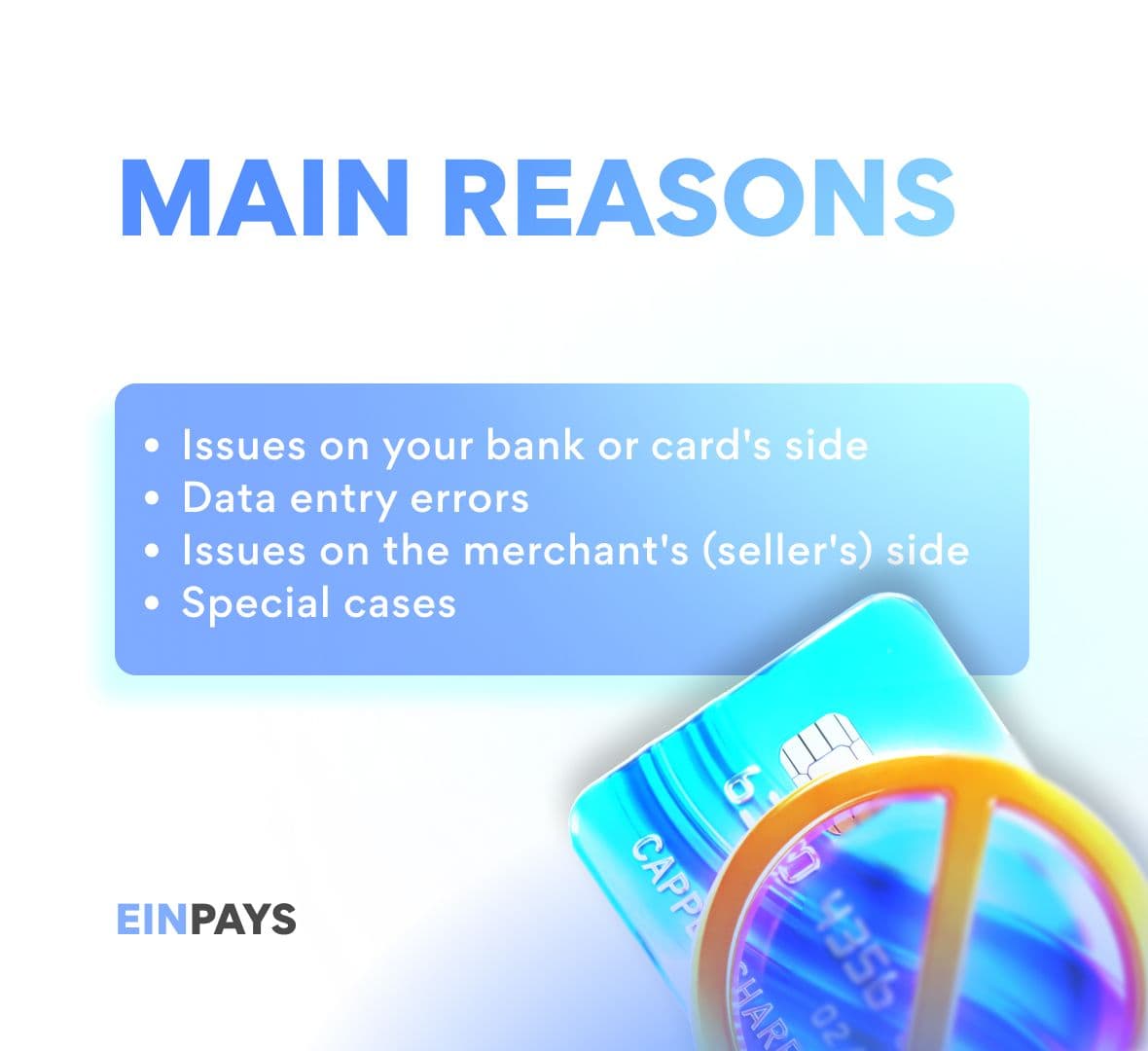
Reason 1: Issues on your bank or card's side
This is the most common category. Your bank is simply protecting you.
- Insufficient funds. Check your balance and don't forget about a possible limit on online payments.
- Card is blocked or not activated for online payments. You might not have enabled this option in your bank's mobile app yet.
- The bank's security system (Fraud Prevention) was triggered. An unusual amount, a new merchant, or payment from another country — and the bank requests confirmation. Solution: Check your SMS and banking app — there might be a confirmation request there.
- Card expiration date has passed. Simple but it happens.
- Daily/monthly limit exceeded. Limits apply to both the number of transactions and the total amount.
— What to do: Call your bank's support. They will give you the exact error code and tell you how to remove the block.
Reason 2: Data entry errors
Even one wrong digit — and the payment goes nowhere.
- Incorrect card number, CVV code, or expiration date. Double-check carefully, especially if entering from a mobile device.
- Cardholder details don't match. The first and last name must be exactly as printed on the card in Latin letters.
— What to do: Re-enter the data, slowly and carefully. Use autofill if you trust it.
Reason 3: Issues on the merchant's (seller's) side
This happens too, although less often.
- Technical failure of the payment gateway. A short-term problem on the side of the service processing the payment.
- Incorrectly configured acquiring. For example, the store doesn't accept your type of card (Visa Electron, Maestro) or payments from your country.
- Selected payment method is unavailable. The error may occur when paying via a specific e-wallet or cryptocurrency at that moment.
— What to do: Refresh the page, try again later, or contact the support service of the store/service you are paying.
Reason 4: Special cases
- The issuing bank does not support 3D Secure (security protocol). Rare, but it occurs.
- Block by the payment system (Visa/Mastercard). Could be related to suspicious activity at the system level itself.
- Internet connection problems at the moment of payment. An interrupted session is a common cause of "pending" and failed payments.
Universal payment rescue plan from EinPays:
Do not attempt to repeat the payment 10 times in a row. This can lead to a temporary card block. Take a 5-10 minute break.
- Carefully re-read the error message. It often contains a hint ("Contact your bank", "Invalid data").
- Call your bank. This is the fastest way. Tell the operator the time, amount, and merchant — they will see the reason for the decline in their system.
- Try a different card or payment method (if possible).
- Contact the support of the service you are paying to. Perhaps the problem is already known and they are fixing it.
How do we at EinPays combat these problems?
We can't cancel your bank's rules, but we do everything to make the process as smooth as possible:
- Intuitive interface, minimizing input errors.
- Support for all major security protocols (3D Secure 2.0).
- Transparent communication: we strive to give a clear error description, not just a "Decline 100" code.
- High processing speed, reducing the risk of session timeouts.
- 24/7 technical support for both merchants and end users.
The key takeaway: Most often, a payment fails not because of a "bad" payment service, but due to bank security mechanisms or human error. The solution is almost always close at hand.
Other News
SiGMA Eurasia Dubai 2026!
18.02.2026
SiGMA Eurasia Dubai 2026!
From February 9th to 11th, the Einpays team took part in SiGMA Eurasia Dubai 2026, one of the largest events in the region for high technology and online gaming. The exhibition was an excellent opportunity to explore the latest industry trends, discuss innovative solutions, and establish new professional contacts from around the world.

Payment failed
11.02.2026
Payment failed: What to do?
"Payment Failed": analyzing the main reasons and rescuing your transaction That familiar feeling when you're sure about your card, but see a "Declined" or "Payment Denied" notification? Don't rush to panic or blame the service. In 99% of cases, the problem is solved in a couple of minutes. The EinPays team knows from firsthand experience what is most often behind the error. Let's figure it out: why your online payment failed and what to do in each situation.
Blockchain and instant payments
04.02.2026
Blockchain and instant payments: how to accelerate your business growth
In today's business landscape, the speed, transparency, and security of financial transactions are critical to a company's success. Any payment delays, transaction opacity, or integration difficulties with banking and online services can cost not only money but also customer trust. This is where blockchain comes in—a technology that is transforming the approach to payments and financial management.


Connect global

Sales
Business Development Manager
Partnership
Account Manager
Business Development Manager
Connect global
Sales
Partnership
Account Manager
Business Development Manager
Business Development Manager


Become a Partner
Do you want to become a partner
Your name
Fill the form to submit
Your Company name
Fill the form to submit
Your E-mail
Fill the form to submit
Countries
Fill the form to submit
Your phone number (Telegram)
Fill the form to submit
Web-site
Fill the form to submit
Contact person
Fill the form to submit
Business
Message